- Auto 3D rigging
- Weight deformation checks
- Model export workflow
RigForge Studio — Web Rigging Tool
A browser workflow connecting model calibration, joint placement, weight inspection, and export.
- Scope
- Personal prototype; product planning, interface design, and AI-assisted development
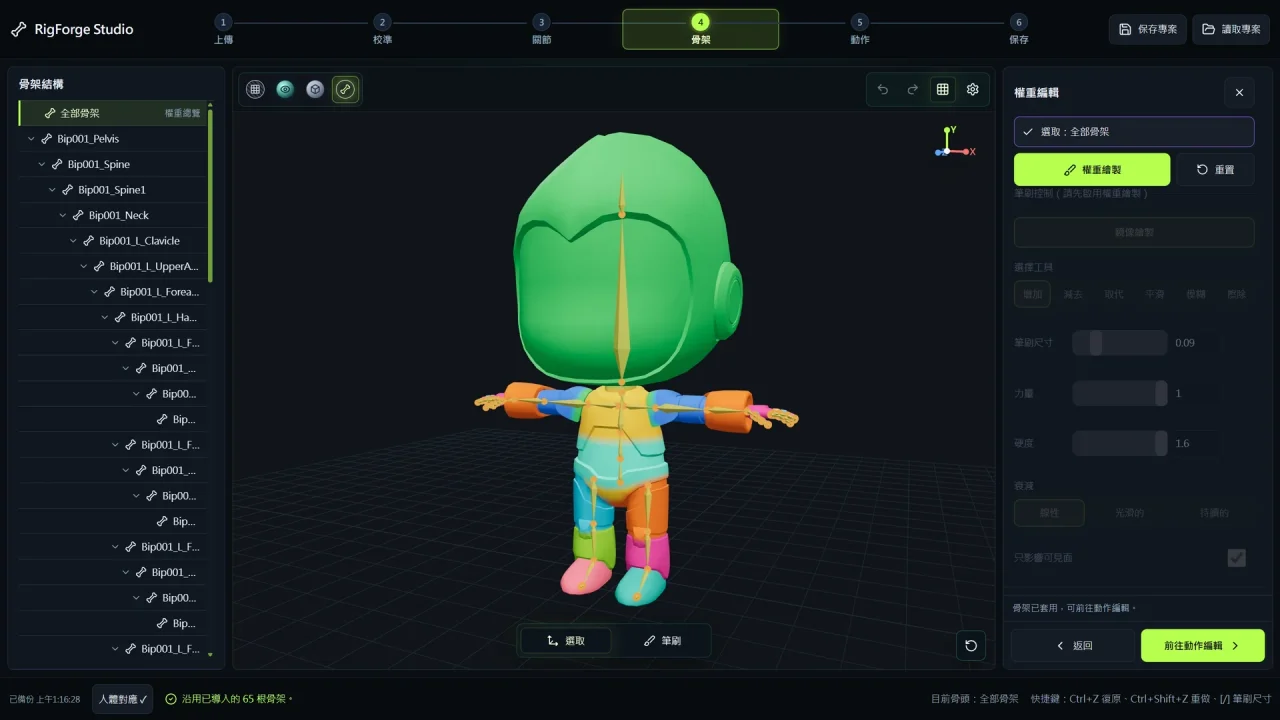
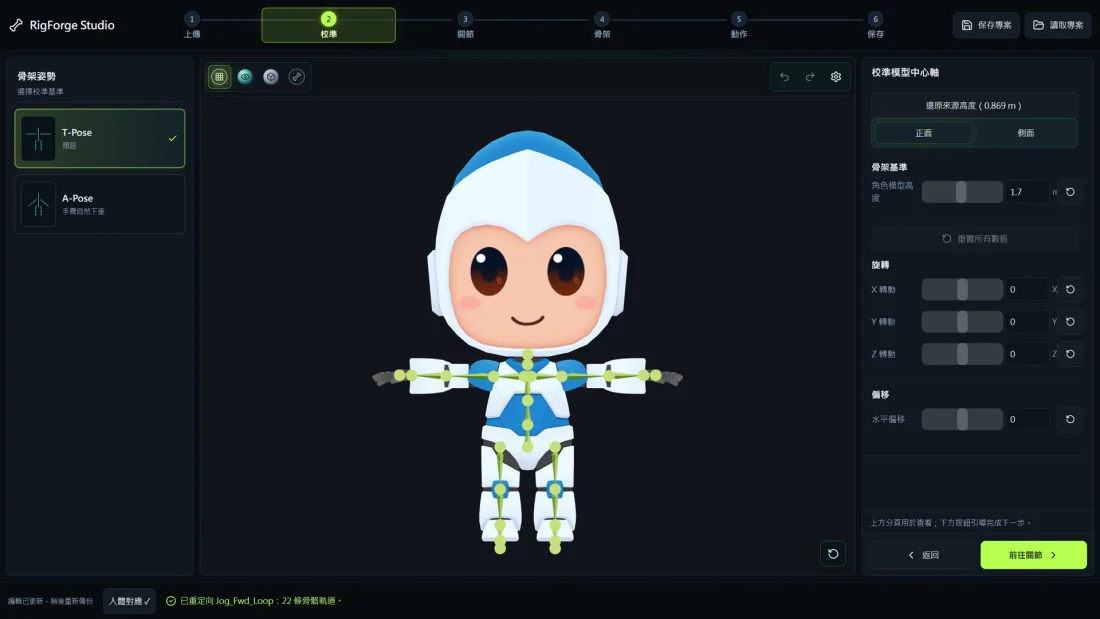
From model to inspectable rig
The workspace keeps model, joints, and stage controls visible together, making each step inspectable before motion and export.
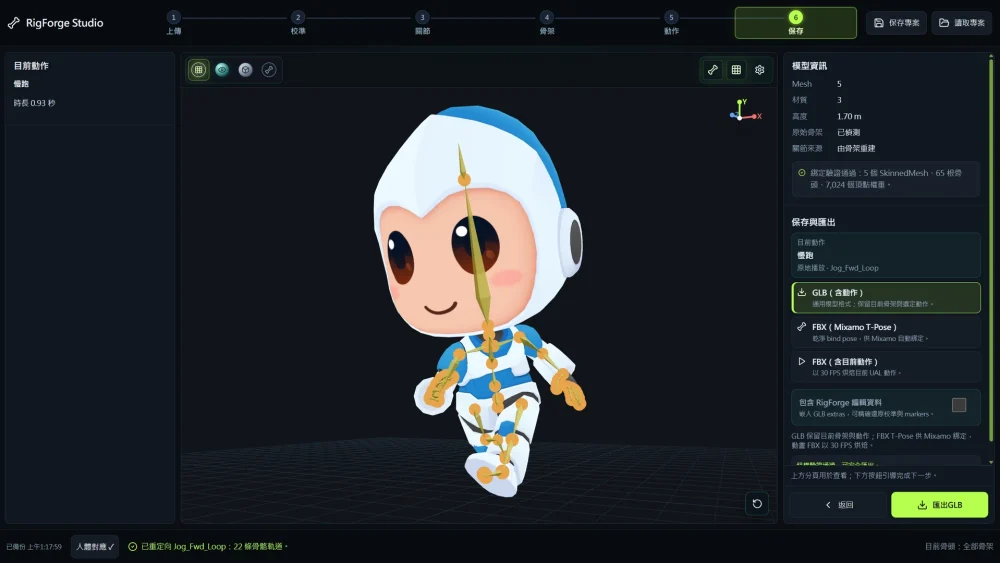
Weight and export checks

Production flow
- 01
01
Import and calibrate
Load the model and align its basis.
- 02
02
Joints and rig
Place joints and build the rig.
- 03
03
Weight review
Inspect influence areas and deformation.
- 04
04
Export check
Export and reload the model.
Design and production
The browser-based prototype explores broader format support, file conversion and preset motion, alongside experimental game and skeleton detection modes.
Design details and outcome
The tool imports FBX and GLB models with varied rigs and converts them automatically. It exports rigged and animated FBX and GLB files, as well as formats containing project parameters. Import, editing and export are complete; game and skeleton detection modes remain previews. Cross-format rig conversion was a major challenge.
Design and outcome
AI agents assisted with cross-format skeleton conversion, followed by my manual verification.